
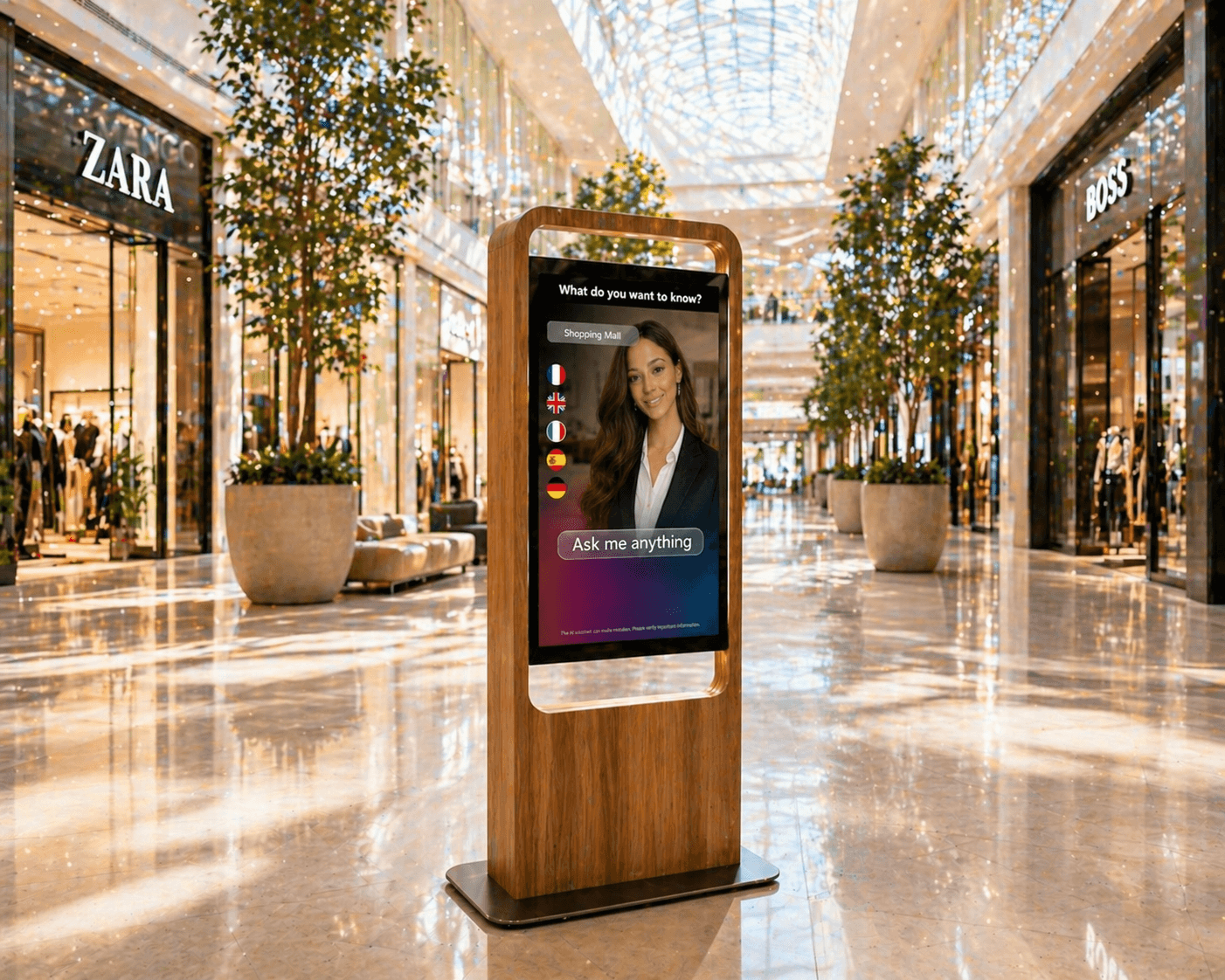
Why placement matters for an AI avatar on screen or kiosk
A well-chosen location increases the chance visitors will use an AI avatar and improves interaction quality. Placement affects visibility, user comfort and voice interaction performance when audio is enabled.
Defining clear objectives—information, orientation, after-hours assistance or support to staff—helps decide where a screen or kiosk should be installed.
Key on-site checks
Visibility: choose a position along natural walking lines and avoid blocked or obscure spots. A poorly visible kiosk will see few spontaneous interactions.
Accessibility: ensure screen and touch controls are reachable for people with reduced mobility. Leave enough space for wheelchair approach and consider viewing angles.
Noise and acoustics: avoid very noisy areas if voice interaction is planned. Clear audio and accurate speech recognition benefit from a controlled sound environment.
Technical and logistical constraints
Power and network: confirm power outlet availability and a reliable network connection at the chosen location. For fixed kiosks, plan cable routing and protect connectors.
Mounting and orientation: the stand must ensure stability and the correct display angle. Screen orientation affects readability depending on ambient light—avoid direct glare from windows.
Maintenance access: choose a spot that allows routine maintenance (reboots, updates, cleaning) without disrupting visitor flows.
User ergonomics and interaction scenarios
Interaction mode: if the kiosk offers both touch and voice, allow space for users and respect personal distance. UI elements should be visible at eye level and touch targets reachable.
Signage and discoverability: add clear signs or icons indicating the avatar’s capabilities (available languages, voice/touch) and invite users to try it.
Integration in visitor journey: place the avatar where it adds value—at entrances for orientation, near service counters to handle frequent questions, or in waiting areas for updates.
Accessibility and privacy considerations
Universal access: beyond height and clearance, consider visual contrast, readable typography and alternatives such as captions or tactile options for people with sensory impairments.
User information: inform visitors when voice is used or when interactions could be recorded. Any data collection requires a specific integration and must comply with applicable rules.
Practical steps to validate a location
Map flows and identify primary walkways and waiting zones. Test the location with a mock-up or prototype: observe readability, ambient noise and visitor reactions. Check power and network access and the possibility for maintenance.
Involving frontline teams and a few test users uncovers unexpected constraints (glare, staff obstruction, congestion) that should guide the final placement.
Conclusion and invitation to demo
Choosing the right site for an AI avatar on a screen or kiosk requires checking visibility, ergonomics, acoustic conditions, technical constraints and accessibility. SANIA can be deployed on screens and interactive kiosks and configured to local usage.
To evaluate the best location for your site and test a configuration with our team, request a SANIA demonstration.